






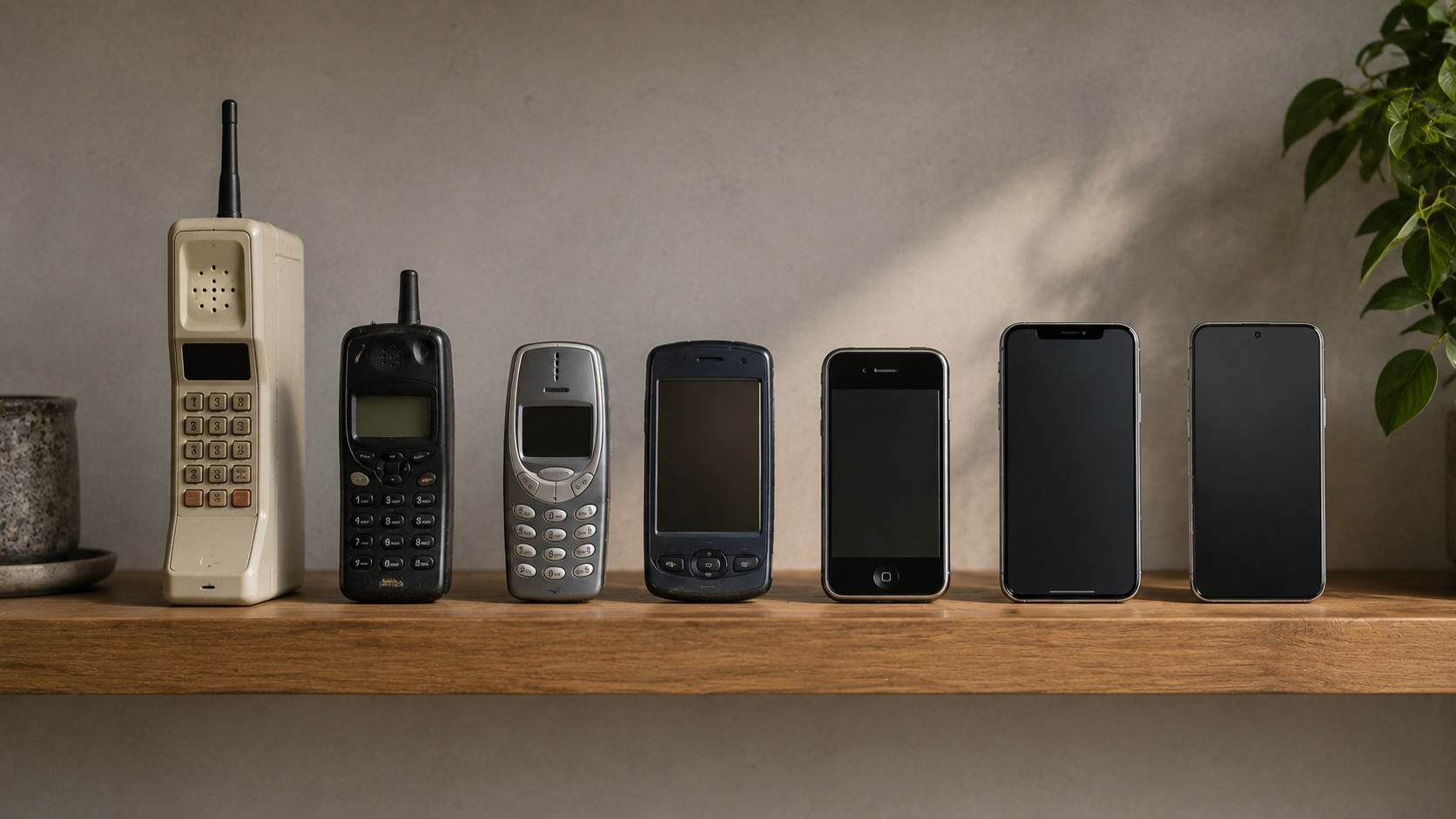
Nobody budgets for technology properly, because nobody talks about how long technology actually lasts. Marketing wants you replacing devices on the industry's schedule, while frugality advice pretends everything should last forever, and the truth sits in the middle, different for every category and shaped by which component fails first. A television and a pair of wireless earbuds are both electronics, yet one should serve you for a decade while the other is dying from the day you unbox it.
This guide lays out realistic lifespans for every major category, explains what actually ends each device's life, and covers the small set of repairs and habits that meaningfully extend them. Knowing these numbers changes how you shop, because a $1,000 television that lasts nine years is cheaper than a $500 one that lasts four.
The Replacement Cycle Table
| Device | Realistic lifespan | What usually ends it | Worth repairing? |
|---|---|---|---|
| Smartphone | 4 to 6 years | Battery, then habit | Yes, battery only |
| Laptop | 5 to 7 years | Battery, RAM pressure, updates | Sometimes |
| Television | 7 to 10 years | Panel wear or backlight failure | Rarely |
| Tablet | 5 to 7 years | Software updates ending | Rarely |
| Wireless earbuds | 2 to 3 years | Battery, unavoidably | No |
| Smartwatch | 3 to 5 years | Battery and update window | Battery sometimes |
| WiFi router | 5 to 6 years | Security updates ending | No |
| Games console | 6 to 8 years | Generation ending, drives | Yes for drives |
| External SSD | 8 years and beyond | Obsolescence before failure | No |
| Printer | 4 to 6 years | Everything, constantly | Emotionally, no |
Phones Last Longer Than You Think
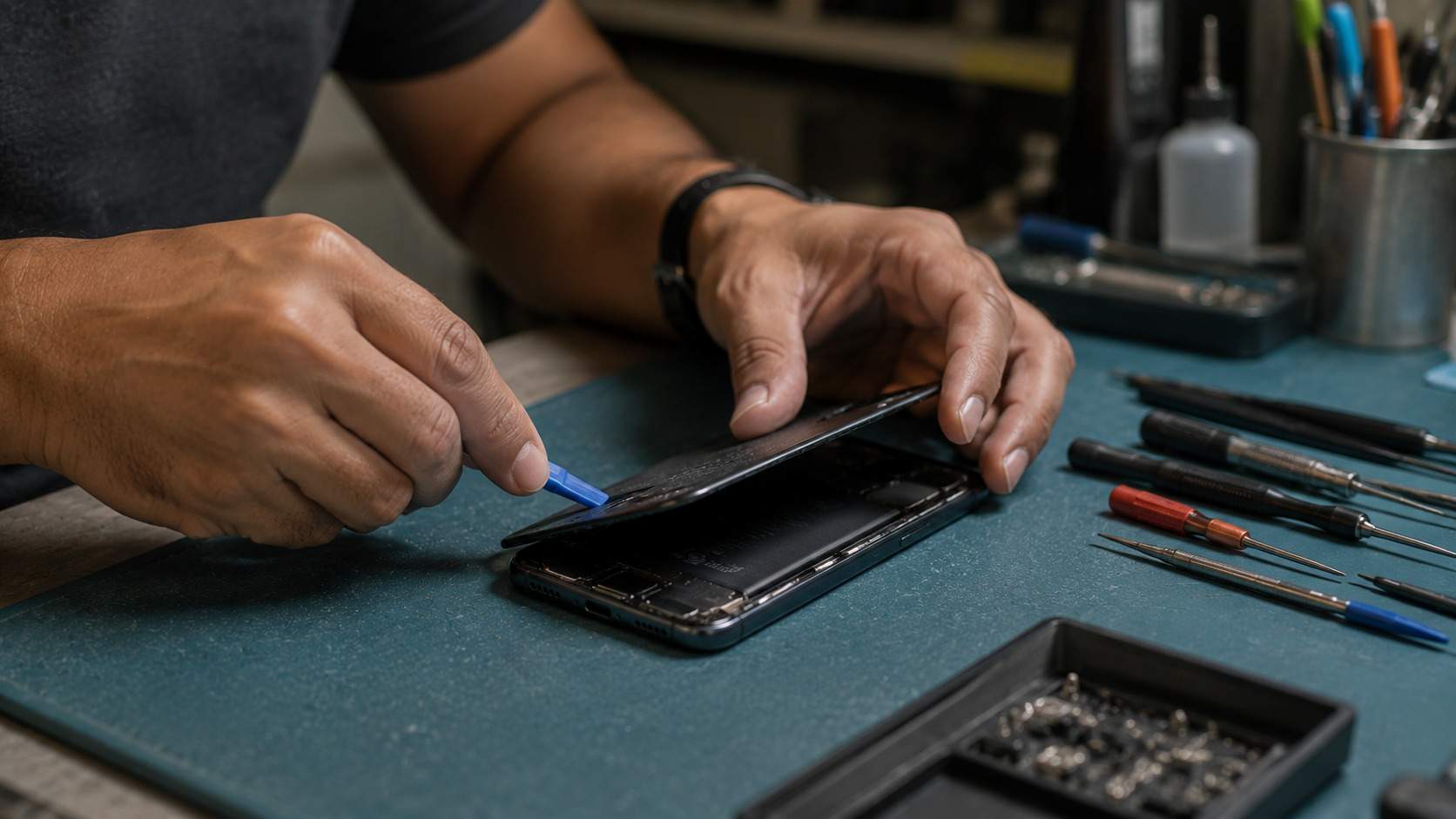
The modern smartphone is engineered to survive far past the point where most people replace it. Apple, Samsung, and Google now promise six to seven years of software updates on most of their range, which removed the traditional executioner of old phones, and the hardware itself has plateaued in ways that make a three year old flagship feel current. What genuinely degrades is the battery, which loses capacity meaningfully after around 500 charge cycles, or roughly two years of daily use. This is why the battery replacement is the best value repair in all of consumer technology. Spending $79 to $99 at year three resets the single failing component and comfortably carries a good phone to year five or six, a mathematics we covered in detail in our five year cost of ownership comparison. Most phones are not replaced because they died. They are replaced because a new one launched.
Laptops Die From Decisions Made at Purchase
A laptop's lifespan is largely decided in the checkout, not in use. Machines bought with 8GB of memory suffocate within three years as software grows, while identical machines with 16GB sail on to year six or seven, and since memory is soldered in most modern laptops, this cannot be fixed later. Batteries follow the same two to three year degradation curve as phones and are replaceable on most machines for $80 to $150, which is nearly always worth doing on a laptop you like. The end usually arrives through accumulation rather than a single failure, when the battery, the ageing keyboard, and the software pressure all argue together. Buy more memory than feels necessary, replace the battery once, and a quality laptop becomes one of the longest serving objects you own.
Televisions Are the Marathon Runners
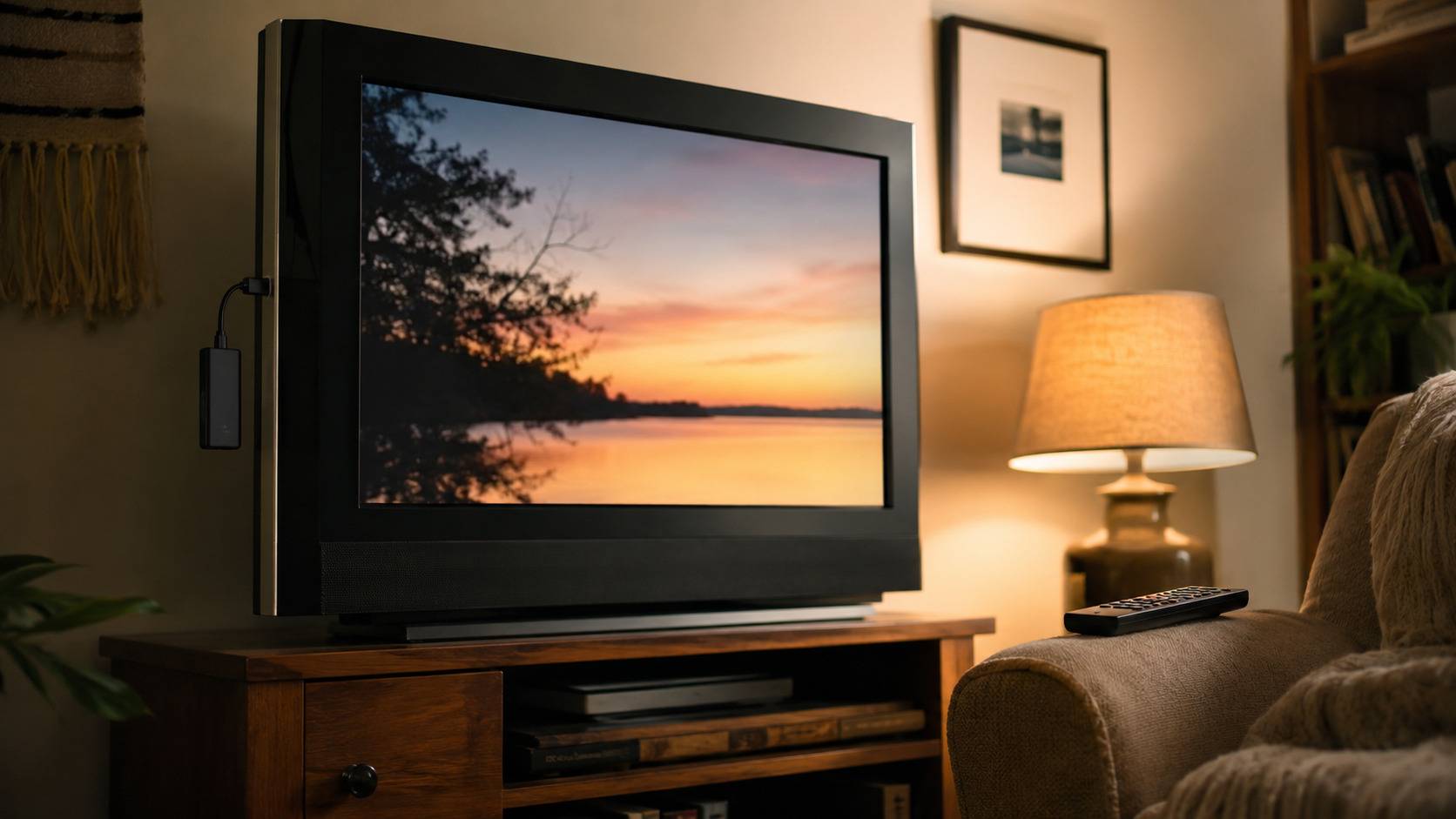
Modern televisions routinely deliver seven to ten years of service, with panel technology determining which end of that range you see. Quality LED sets fade slowly and gracefully, while OLED panels carry a small long term risk of image retention from static content, though modern sets manage this well enough that it rarely decides anything. What actually retires most televisions is not failure at all but the feature curve around them, as streaming apps drop support for old smart platforms years before the panel dims. The fix costs $40, since a streaming stick transplants a current smart system into any ageing set with an HDMI port. Repairs, by contrast, rarely make sense, because a failed backlight or board costs a substantial fraction of a new television. Buy a good panel, expect a decade, and refresh its brains with a stick at half time.
The Short Lived and the Immortal
At the disposable end sit wireless earbuds, whose tiny batteries endure two to three years of daily charging regardless of price, a fact worth remembering when choosing between a $60 pair and a $250 pair, and which our blind sound test makes even more pointed. Smartwatches run on a similar battery clock stretched slightly longer. Routers deserve special mention because they rarely fail visibly, and people keep them a decade without realising that security updates quietly ended years earlier, leaving the front door of the home network unpatched. Five to six years is the responsible ceiling. At the other extreme, solid state storage and quality speakers border on immortal, typically outliving the systems around them, while printers remain the category where hope goes to die, and no lifespan table can help them.
The Habits That Add Years
Three practices extend nearly everything. Keep batteries between roughly 20 and 80 percent where the device offers charging limits, since heat and full cycles are what age lithium cells. Put televisions, consoles, and computers behind a $20 surge protector, which prevents the most common single cause of sudden electronic death in both US and UK homes. And before replacing anything, price the failing component's repair against the replacement, applying a simple rule. A repair under a third of replacement cost on a device in the first half of its expected life is nearly always worth doing.
Frequently Asked Questions
How often should I actually replace my phone? Every four to six years for most people, with a battery replacement around year two or three. Replacing sooner is a preference rather than a need, and the cost of that preference is several hundred dollars per year.
Is it worth repairing a laptop that is five years old? A battery or storage upgrade on a machine with 16GB of memory and a screen you like, yes. Major repairs like boards or screens on machines already past year five, usually no, since remaining lifespan no longer justifies the cost.
Do OLED TVs wear out faster than LED ones? Slightly, in principle, since OLED pixels age and static content can leave faint retention over many years. In practice, modern panel management makes this rare in normal viewing, and OLED sets are comfortably reaching the seven year mark. Very heavy viewers of static content like news tickers should factor in the risk.
Why do wireless earbuds die so fast? Their batteries are tiny, so every day of use consumes a full charge cycle or more, and the cells are sealed inside a casing too small to service. Two to three years of daily use is the honest expectation at every price, which is a genuine argument for not overspending.
When should I replace my WiFi router? Every five to six years, or immediately if the maker has stopped issuing security updates, which you can check on the manufacturer's support page in a minute. Newer standards also raise real world speeds, so the replacement usually pays a noticeable dividend.
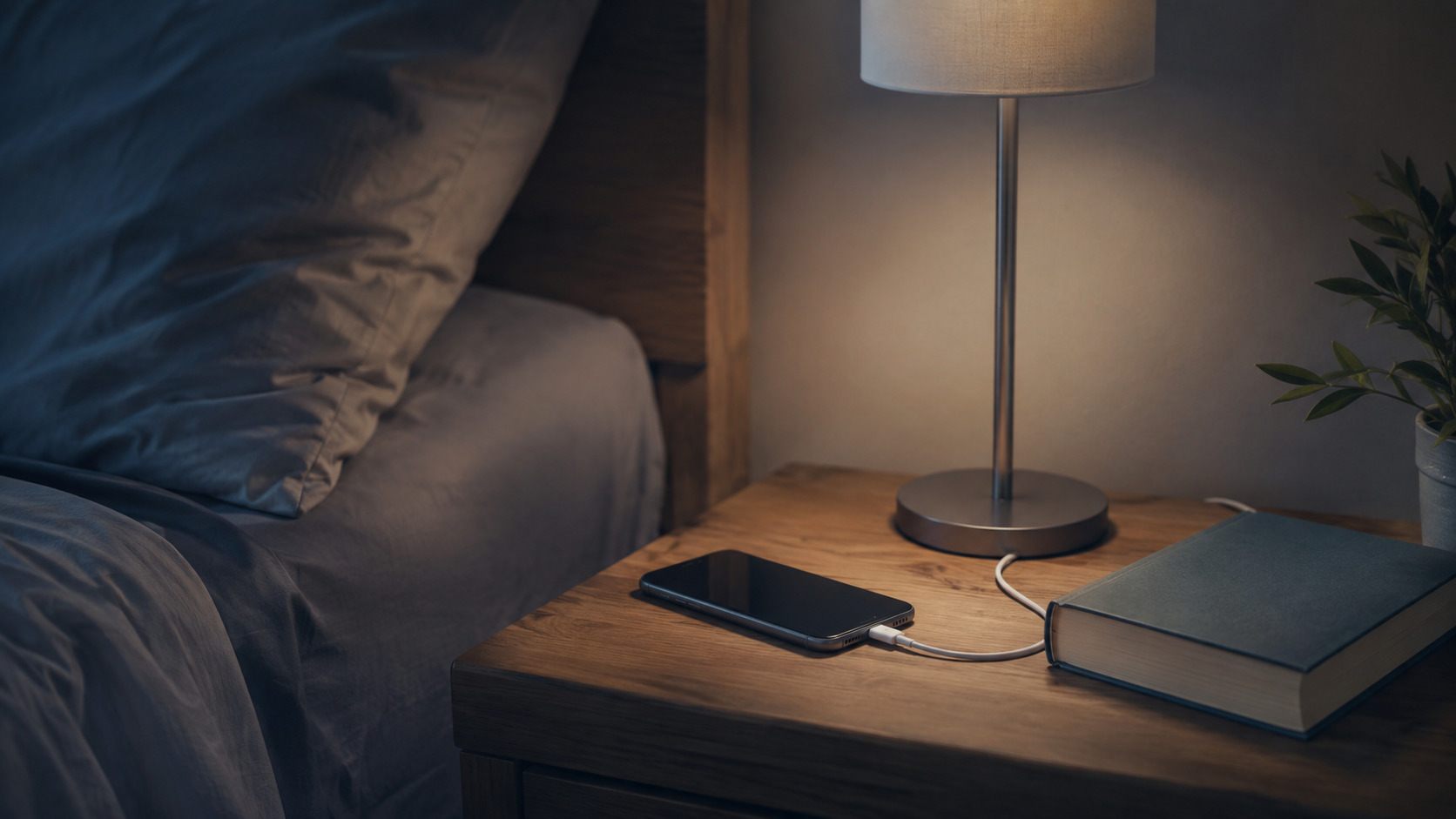
What is the single best habit for making tech last? Managing battery health, because batteries are the first component to fail in almost everything portable. Enable the charging limit feature on your phone and laptop, avoid heat, and the most mortal part of each device ages at half speed.

Twenty years from now you will be more disappointed by the things that you didn’t do than by the ones you did do. Sail away from the safe harbor.
 Get it on
  Download on the