






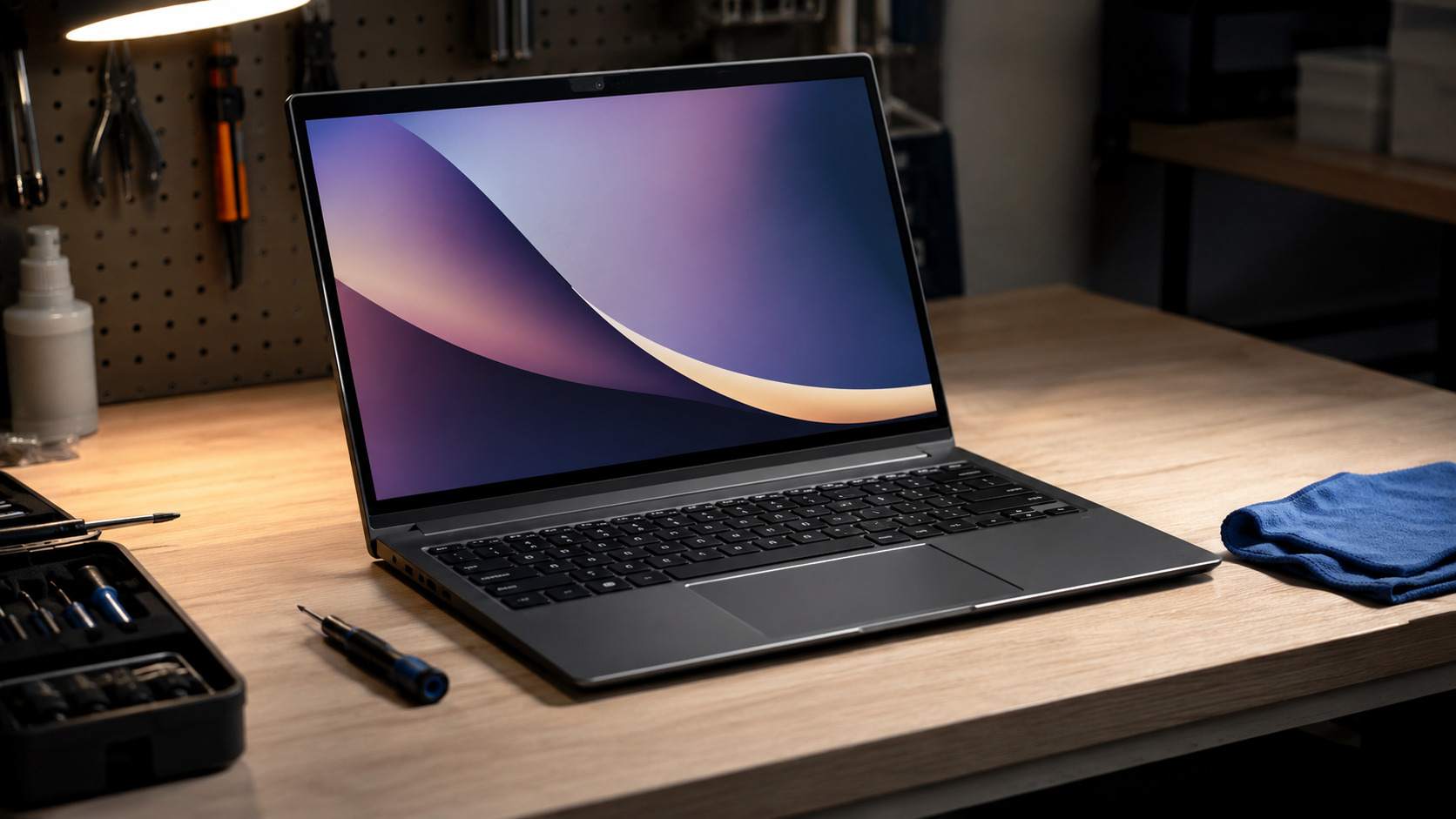
Here is an uncomfortable truth about the laptop market. The $500 you might spend on a brand new budget laptop, with its plastic chassis, dim screen, and 8GB of soldered memory, could instead buy a two year old business machine that originally cost $1,400, built with a metal body, a better keyboard, a brighter display, and more memory. The new laptop was built to hit a price. The refurbished one was built to survive three years of corporate life, and corporations replace their fleets on a schedule regardless of condition, which floods the market with excellent hardware at steep discounts.
Refurbished buying has a reputation problem left over from an era of sketchy sellers and mystery condition grades, and that reputation now costs careful buyers real money. The modern refurbished market, done correctly, is the best value in personal computing. The trick is knowing what the labels actually mean and which checks protect you. This guide covers both.
What the Labels Actually Mean
The word refurbished covers everything from a sealed box someone returned unopened to a machine rebuilt after a fault, and sellers benefit from your confusion. Here is the honest hierarchy.
| Label | What it usually means | Warranty | Risk level |
|---|---|---|---|
| Manufacturer refurbished | Inspected and restored by the original maker | Usually 1 year | Lowest |
| Certified refurbished marketplace | Tested by an approved third party to a published standard | 90 days to 1 year | Low |
| Open box | Returned by a customer, usually barely used | Varies, often full retail warranty | Low |
| Seller refurbished | Tested by an independent seller to their own standard | Often 90 days or less | Moderate |
| Used | Sold as is by a previous owner | None | Highest |
The single most important word on any listing is who did the refurbishing. A MacBook restored by Apple or a ThinkPad restored by Lenovo has been through the maker's own parts and testing process. A laptop refurbished by an unknown seller has been through whatever process that seller felt like performing.
Where to Buy in the US and UK
Buy from sources with published grading standards and real return windows. Apple's Certified Refurbished store is the gold standard of the entire industry, offering a full one year warranty, a new battery and outer shell on refurbished MacBooks, and hardware genuinely indistinguishable from new at 15 to 25 percent off. Dell Outlet and Lenovo Outlet sell their own refurbished and overstocked business machines with full warranties. Amazon Renewed and Back Market operate certified marketplaces in both the US and UK with minimum 90 day guarantees and published standards, and Back Market in particular displays battery health commitments on listings. Best Buy's open box program in the US and the clearance sections at Currys in the UK are excellent for nearly new machines returned within cooling off periods. The place to avoid is any marketplace listing where the refurbisher is anonymous and the warranty is measured in weeks.
The Six Checks That Protect You
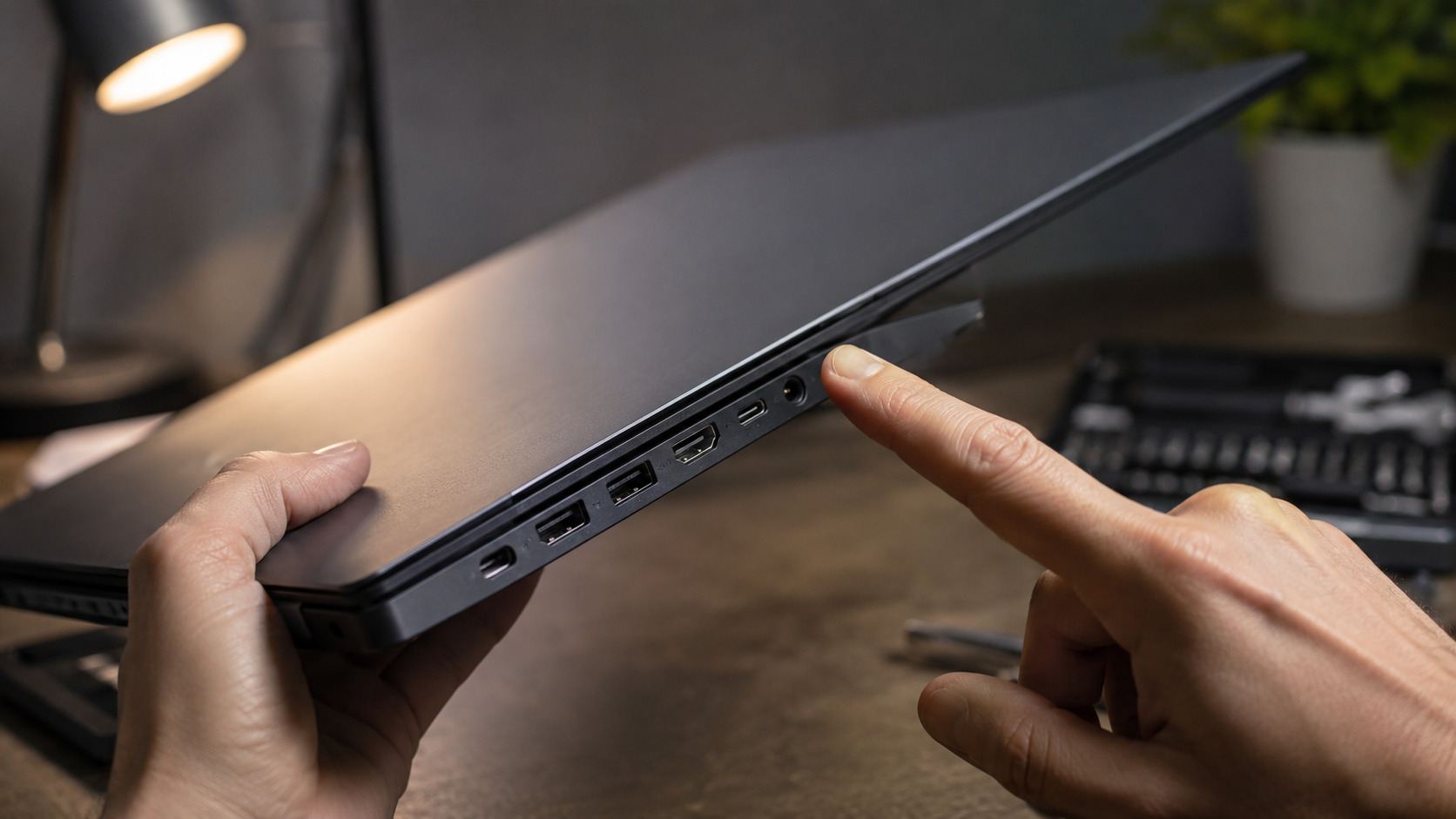
First, check the warranty length before anything else, and treat 90 days as the minimum acceptable and one year as the standard worth paying slightly more for. Second, check the battery commitment, because batteries are the one component that genuinely wears, and good programs guarantee at least 80 percent of original capacity. On arrival, verify it yourself, using System Information on a Mac or a single command in Windows that generates a battery report. Third, check the return window, and favour sellers offering 30 days, because a fortnight of real use reveals faults that no refurbisher's checklist catches. Fourth, confirm the exact specification against the original model number, since some refurbishers swap in smaller drives or less memory than the model originally shipped with. Fifth, on arrival, test the things checklists miss, which means every port, the full keyboard, the webcam, the speakers, and the screen against a pure white and pure black image to reveal dead pixels or backlight bleed. Sixth, check that the machine is not activation locked to a previous owner, which takes thirty seconds in the settings of both Windows and macOS and prevents the worst outcome in used computing.
What to Actually Buy
Some laptops refurbish better than others, because some laptops were built better in the first place. Business machines dominate this market for good reason. Lenovo's ThinkPad T series and X1 Carbon, Dell's Latitude line, and HP's EliteBooks were engineered for durability, are easy to service, and exist in enormous supply from corporate fleet refreshes. On the Apple side, MacBook Airs with M2 or M3 chips are the sweet spot, modern enough for many years of updates while heavily discounted against new models. As a rule, buy machines one to three years old. Anything older than four years carries battery and support risk that erodes the savings, and on the Mac side you should not buy any Intel machine at any price, since Apple has ended feature updates for that era.
The savings are substantial and consistent. Expect 15 to 25 percent off nearly new manufacturer refurbished stock, 30 to 45 percent off one to two year old certified machines, and 50 to 60 percent off two to three year old business laptops that still outclass new budget models.
Who Should Still Buy New
Honesty requires the other side. Buy new if you need this year's graphics hardware for gaming or professional 3D work, since GPUs age faster than any other component and refurbished gaming stock is thin. Buy new if you want a specific configuration rather than whatever the refurbished market holds this week. And buy new if the simplicity of a single warranty relationship with full accidental damage options matters more to you than the discount. For everyone else, which is most laptop buyers doing browsing, writing, video calls, and office work, the refurbished business machine is simply the better product at the lower price.

Frequently Asked Questions
Is a refurbished laptop reliable enough to be my only computer? Yes, provided it comes from a manufacturer program or certified marketplace with at least a 90 day warranty. Failure rates on properly refurbished machines are comparable to new ones, because the components most likely to fail are exactly what the refurbishing process tests and replaces.
How much battery life should I expect from a refurbished laptop? Reputable programs guarantee at least 80 percent of original capacity, and Apple's program fits new batteries entirely. At 80 percent, a machine rated for ten hours delivers around eight, which remains a full working day. Check the health reading in your first week and return anything below the promised figure.
What are my rights if a refurbished laptop develops a fault in the UK? The Consumer Rights Act applies to refurbished goods sold by businesses just as it does to new ones. Goods must be as described, of satisfactory quality for their stated condition, and you have a 30 day right to reject faulty items for a full refund, with further remedies for months afterward.
Are refurbished MacBooks from Apple actually like new? Functionally yes, and this is the least risky purchase in the entire refurbished market. Apple fits a new battery and new outer casing, includes the standard one year warranty, and sells the machine in fresh packaging. The only downside is that discounts are modest compared to third party sellers.
How old is too old for a refurbished laptop? Three years is our comfortable ceiling and four is the hard limit for a primary machine. Beyond that, battery replacements, ageing screens, and the shrinking runway of software support consume the money you saved.
Is open box better than refurbished? Often, yes. Open box machines are typically customer returns with hours of use rather than years, frequently still carry the full retail warranty, and sell at 10 to 20 percent discounts. The compromise is availability, since you are shopping whatever happened to be returned this week.

Twenty years from now you will be more disappointed by the things that you didn’t do than by the ones you did do. Sail away from the safe harbor.
 Get it on
  Download on the